
Instructor Notes
Git in this Lesson
We recommend showcasing both git in the terminal and the git tab in RStudio in this lesson. The lesson is written to use git in the terminal, but we recommend starting with git in the terminal the first day and then showcasing the git tab in RStudio on the 2nd day. After that, it can be up to the instructor if they want to use terminal or the git pane.
Course Introduction
Instructor Note
Pause here for some discussion. Are there instances where saving your workspace might be useful? When or why?
Better Start With a Software Project
Instructor Note
Open up Rstudio, and open terminal tab. Call out how your prompt looks, and make sure that Windows users are not accidentally using PowerShell. Refer back to the setup section on configuring RStudio to use Git Bash if anyone needs help.
Choose how you teach version control steps from here
CHANGE TBD
At this point in the lesson, you may choose to demonstrate how the same steps of staging and committing changes can also be achieved with the VS Code graphical interface.
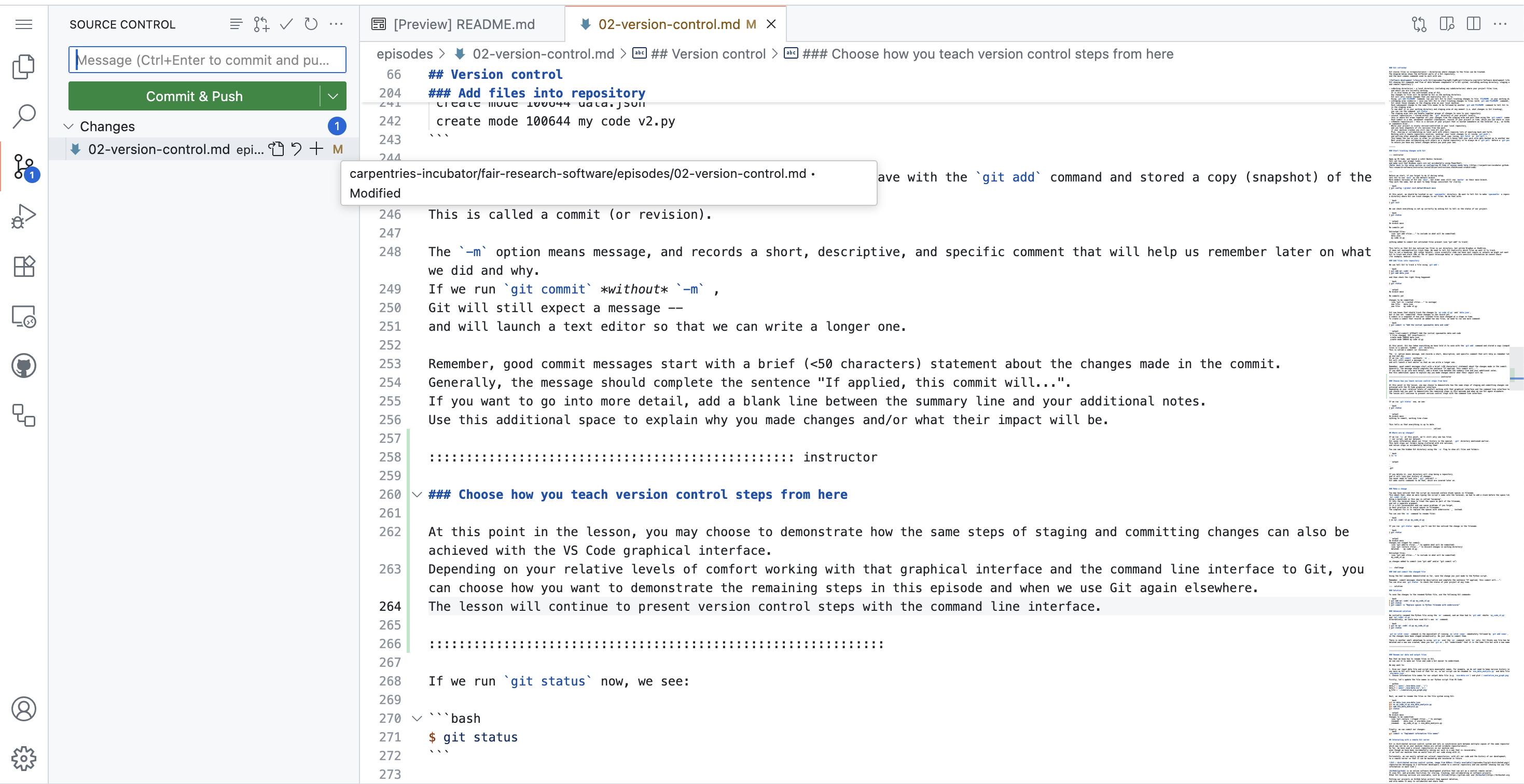
Depending on your relative levels of comfort working with that graphical interface and the command line interface to Git, you can choose how you want to demonstrate the remaining steps in this episode and when we use Git again elsewhere. The lesson will continue to present version control steps with the command line interface only.
Instructor Note
It is expected that some learners will not have
lubridate installed here. They will still get an error when
the code is run. This is a good opportunity to preview and motivate that
the next section will teach how to control what is installed with
renv.
Since this is an intermediate lesson, learners may already be
familiar with the difference between install.packages() and
library(). However, this is a good place to briefly review
that distinction and ensure everyone has lubridate
installed so they can proceed.
If library(lubridate) throws an error, pause to help
learners install it (via install.packages("lubridate") or
the Packages tab). Note that installing a package will also
install any required dependencies.
Reproducible Software Environments
Instructor Note
Some learners may encounter issues when installing packages or trying to restore recorded environments. To assist with troubleshooting during workshops, we have compiled a list of common issues that instructors have observed in the past.
If you run into problems not mentioned here, please open an issue in the lesson repository so we can track them and update the lesson material accordingly.
Troubleshooting package installation issues
Try using
install.packages('some.pkg', dependencies = TRUE)Use
.libPaths()and verify that it includes at least one folder for which the user has write permisisons. If that’s not the case, try settingR_LIBS_USER="some/writable/path"via eitherSys.setenv()or through an.Renvironfile.-
{pak} often does a better job of figuring out and installing (system) dependencies:
R
install.packages('pak')
pak::pkg_deps_tree('some.pkg')
pak::pkg_sysreqs('some.pkg')
You can tell {renv} to use {pak} by default by setting
RENV_CONFIG_PAK_ENABLED=TRUE
General recommendations on using {renv}
- Often it’s easier to start with a fresh environment rather than
trying to fix an existing one. You can do this by deleting the
renvfolder andrenv.lockfile, then callingrenv::init()again.
Instructor Note
If the call to load jsonlite succeeds they might need to
restart the R session because they loaded it previously and it is
cached.
Code Readability
Instructor Note
You will need to share the code below with the learners via copy-and-paste either in shared notes or chat in a virtual training. Then you can highlight and describe the changes.
Code Structure
Instructor Note
You will need to share the code below with the learners via copy-and-paste either in shared notes or chat in a virtual training. Then you can highlight and describe the changes.
Instructor Note
You will need to share the code below with the learners via copy-and-paste either in shared notes or chat in a virtual training. Then you can highlight and describe the changes.
Instructor Note
You will need to share the code below with the learners via copy-and-paste either in shared notes or chat in a virtual training. Then you can highlight and describe the changes.
Code Correctness & Testing
Software Documentation
Instructor Note
You may want to share the following README excerpts directly in chat or the shared notes document with learners to copy-paste.
Instructor Note
Make sure to mention the extra content on different open source software licences, briefly cover it if there is time. Then focus on the technicalities of adding a license file to a code repository (as there is likely not going to be enough time to spend on different license types).
Software Management & Collaboration
Optional challenge: archive our GitHub repository to Zenodo (5 min)
You can choose to do the following as an exercise or by live coding based on what you think the learners would prefer. You can copy the detailed instructions below to give them it as an exercise.
Optional challenge: add a DOI and software version to the citation file (5 min)
You can choose to do the following as an exercise or by live coding based on what you think the learners would prefer. You can copy the the detailed instructions below to give it as an exercise.